ERP for Manufacturers: What to Configure First

For modern factories, efficiency starts long before production lines begin to move—it starts in the system that connects every part of the operation. Enterprise Resource Planning (ERP) platforms have become the backbone of industrial management, helping companies integrate purchasing, inventory, production, and finance into one synchronized ecosystem. Yet many manufacturers fail not because ERP software is weak, but because configuration priorities are wrong. Understanding where to start is the key to a successful ERP implementation for manufacturers.
This article explores the essential first configurations that determine whether an ERP rollout runs smoothly or collapses under complexity. Instead of trying to activate every module at once, manufacturers should focus on critical data foundations and operational flows that define accuracy, control, and scalability.
Understanding ERP Implementation for Manufacturers
An ERP system designed for manufacturing is very different from those used in retail or service sectors. It manages not just transactions, but also production logic—how materials move through machines, how labor is tracked, and how costs roll up to finished goods. The goal of ERP implementation for manufacturers is to create a single source of truth for every production process.
Typical ERP modules include:
- Production Planning (PP): manages scheduling, routing, and capacity.
- Inventory Management (IM): controls raw materials and finished goods.
- Purchasing (MM): handles supplier management, procurement, and purchase orders.
- Finance (FI): tracks costs, margins, and accounting entries.
- Human Resources (HR): monitors labor, attendance, and payroll integration.
Implementation usually follows stages: discovery, configuration, testing, training, and go-live. Among these, configuration is where success or failure is sealed. Every mistake here propagates downstream—wrong material codes can lead to production stoppages or financial discrepancies later. That’s why the sequence of setup matters more than the speed of installation.
Step 1: Clean and Configure Master Data
Before activating any module, manufacturers must ensure the integrity of master data. It’s the foundation of every transaction inside ERP—from purchasing to costing. Incomplete or inconsistent master data leads to systemic chaos that no patch can fix later.
The most critical master datasets include:
- Material Master: item codes, units of measure, type (raw, semi-finished, finished), and costing method.
- Vendor Master: supplier contact details, payment terms, and lead times.
- Customer Master: delivery addresses, tax information, and credit limits.
- Work Center Data: machine groups, capacity, and efficiency factors.
Before migration, teams should conduct a data audit to remove duplicates and standardize naming conventions. A “material A001” in engineering must be identical to “material A001” in purchasing—otherwise, MRP will interpret them as different items.
Here’s how cleaned master data improves accuracy:
| Data Type | Before Cleansing | After Cleansing |
|---|---|---|
| Material Code | Sheet_steel_01 / Steel-Sheet_1 | STL-SHEET-001 |
| Vendor Name | ABC Ltd / ABC Steel Trading | ABC STEEL LTD |
| Work Center | Cutting Line / Cutter Line | WC-CUT-01 |
Data governance is the best safeguard. Assign ownership for each data category—procurement owns vendor data, production owns work center data, and so on. This ensures long-term consistency and prevents corruption during updates.
Step 2: Define BOM and Routing
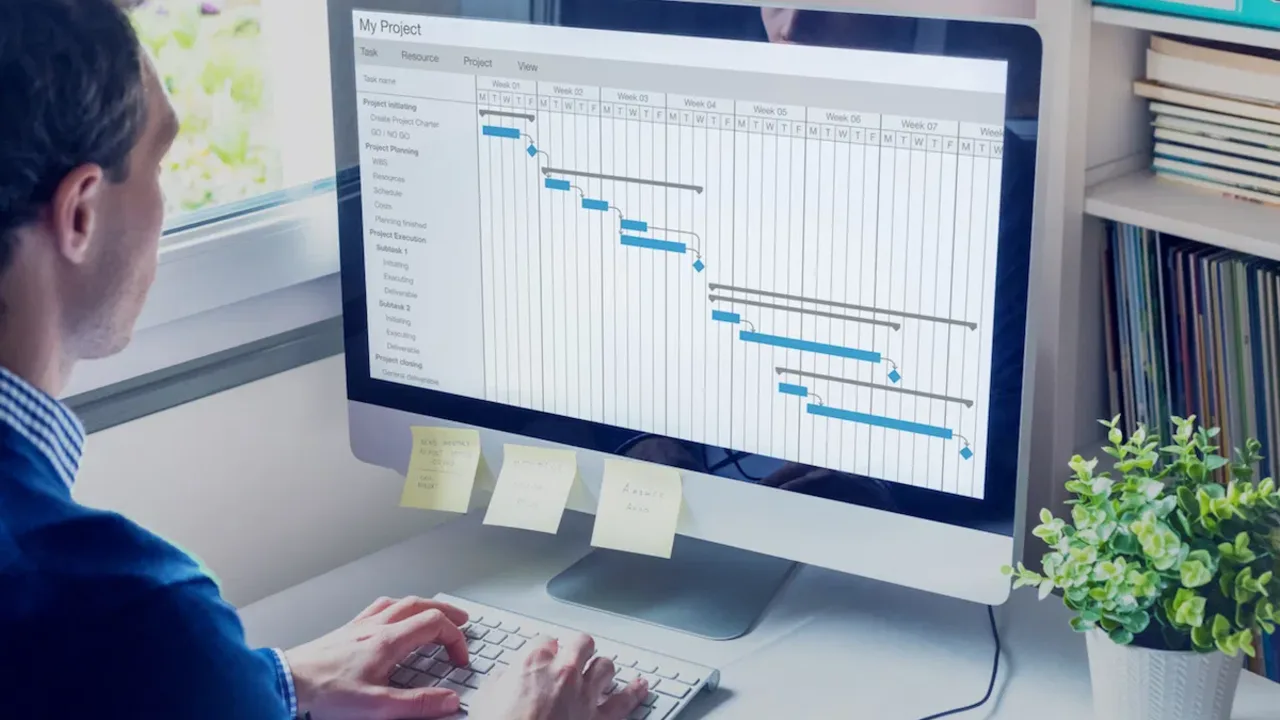
Once master data is clean, the next configuration priority is the Bill of Materials (BOM) and routing. These two elements define how a product is made and the resources it consumes. BOM lists every component required for production, while routing specifies the exact sequence of operations and machines used.
For example, in a metal fabrication plant, the BOM for a steel frame might include raw steel sections, bolts, welding wire, and paint. Routing defines the path: cutting → drilling → welding → painting → assembly. Every time the ERP system calculates cost, lead time, or material requirements, it uses BOM and routing as the source.
Without accurate BOM and routing, the rest of the ERP setup—especially MRP and costing—will deliver distorted results. A missing component could cause purchase shortages; an incorrect routing time can throw off the entire production schedule.
Configuration steps usually include:
- Import existing BOMs from CAD or PLM systems.
- Link routing steps to specific work centers and machines.
- Assign standard time and labor cost for each operation.
- Simulate production runs to verify accuracy before go-live.
The outcome is a digital twin of your factory floor—an accurate reflection of how products move through manufacturing. This foundation lets planners forecast materials, labor, and machine capacity with confidence.
Step 3: Set Up Purchasing and Inventory Parameters
Purchasing and inventory control define how smoothly materials flow through a plant. During ERP implementation for manufacturers, these modules should be configured early to ensure continuity between supply and production.
Key purchasing configurations include:
- Supplier codes and lead times: used by MRP to calculate reorder timing.
- Minimum order quantity (MOQ): prevents over-purchasing or understocking.
- Approval workflows: ensures purchase orders follow authorization rules.
- Integration with inventory: automatically updates stock after goods receipt.
Inventory settings directly affect material availability and production efficiency. Parameters such as reorder points, safety stock, and lot size control how much material is held at any time. Balancing these numbers keeps carrying costs low while avoiding stockouts.
Example of how parameters impact operations:
| Inventory Parameter | Low Setting | High Setting | Operational Impact |
|---|---|---|---|
| Reorder Point | Too low | Too high | Stockouts or excessive inventory |
| Safety Stock | Minimal | Excessive | Unstable production or high carrying cost |
| Lot Size | Small batches | Large batches | Frequent setups vs. high storage cost |
By aligning purchasing and inventory logic early, production planning becomes predictable. Materials arrive when needed, and ERP can accurately forecast cash flow tied to procurement.
Step 4: Configure Production Planning and MRP Settings
The Production Planning (PP) and Material Requirements Planning (MRP) modules form the operational core of any manufacturing ERP. Once BOM, routing, and purchasing are in place, these settings determine how production orders are created, prioritized, and executed.
Key configurations include:
- Lot sizing and lead time offset: defines batch production rhythm.
- Capacity check: ensures no machine or work center is overloaded.
- Planning horizon: sets how far ahead MRP forecasts demand.
- MRP type: differentiates between make-to-stock and make-to-order processes.
Even small parameter mistakes can disrupt operations. For example, if MRP is set to pull components for a product that uses an outdated BOM, the system may generate unnecessary purchase orders. That’s why planners should simulate multiple production scenarios during testing to fine-tune scheduling logic before go-live.
Industry resources such as Manufacturing.net offer case studies and configuration best practices that can help production engineers understand how leading manufacturers streamline their ERP setups. Learning from these examples prevents costly trial-and-error after implementation.
Step 5: Establish User Roles and Access Control
One of the most underestimated parts of ERP implementation for manufacturers is user management. ERP systems hold financial, operational, and production data—making access control a core security and reliability requirement. Incorrect permissions can lead to accidental data overwrites or unauthorized approvals that disrupt production or finances.
The best approach is to define user roles before the system goes live. Begin by mapping every business function to a corresponding ERP role: production planner, buyer, storekeeper, operator, accountant, and system administrator. Each role should have specific privileges—planners can generate work orders but not modify cost structures; accountants can view purchase invoices but not change supplier lead times. This separation of duties prevents conflicts and enforces accountability.
Establishing access levels also supports regulatory compliance. Many manufacturers must meet ISO or internal audit standards that require traceable system actions. With properly configured roles, every transaction in the ERP can be tracked to an authorized user, ensuring full transparency.
Common Mistakes in ERP Implementation for Manufacturers
ERP rollouts are complex, and even experienced companies stumble. Here are the most common missteps seen during configuration:
- Skipping data cleansing: Dirty or duplicated master data creates endless reconciliation problems.
- Inaccurate BOM or routing: Leads to wrong cost calculations and material shortages.
- Ignoring user training: A well-configured system fails if operators don’t know how to use it.
- Insufficient testing: Without simulation, errors remain hidden until production starts.
- Excess customization: Over-modifying ERP logic increases long-term maintenance risk.
These mistakes typically produce the same outcomes: inaccurate inventory reports, broken MRP runs, and inconsistent financial postings. To avoid them, companies must focus on system discipline—following standard processes first before introducing advanced automation.
The table below summarizes how small errors at configuration stage can ripple across departments:
| Error Type | Immediate Impact | Long-Term Consequence |
|---|---|---|
| Incorrect BOM linkage | MRP generates false material demand | Chronic over-purchasing |
| Duplicate vendor codes | Confusing supplier records | Payment errors and audit risks |
| Wrong user access | Unauthorized data change | Loss of accountability |
Best Practices for a Successful Go-Live
Every manufacturer wants a seamless transition from legacy systems to ERP, but that requires rigorous preparation. The following best practices can greatly improve go-live success rates:
- Pilot run before full deployment: Start with a single production line or product family to validate real-world performance.
- End-user training: Conduct role-based sessions and simulations to ensure employees are comfortable before the switch.
- Define clear KPIs: Examples include production variance, on-time delivery, and material yield improvement.
- Establish rollback and backup procedures: Always plan for system contingencies during the first few weeks of operation.
- Post-go-live support: Keep key functional consultants available to resolve issues promptly.
ERP success isn’t about speed—it’s about accuracy and adaptability. Companies that rush configuration often spend months cleaning up mistakes that could have been avoided with careful testing and phased rollout.
Integrating ERP with the Factory Floor
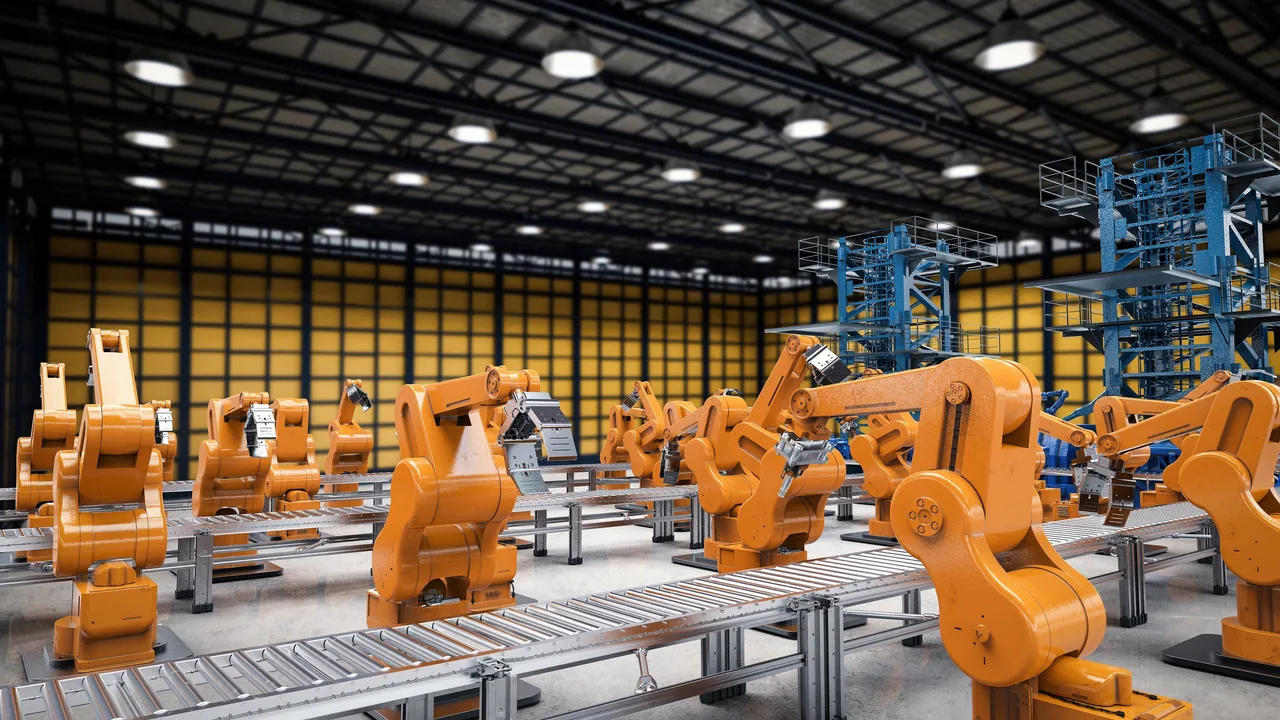
Modern manufacturing doesn’t stop at ERP; it extends down to machines and sensors. Integrating ERP with the factory floor creates a continuous feedback loop where production data flows in real time. IoT-enabled equipment can send live updates on machine status, output counts, or downtime directly into the ERP’s production module.
This integration bridges the traditional gap between business planning and shop-floor execution. Maintenance teams gain visibility into usage hours, quality engineers see defect trends instantly, and planners can adjust schedules based on live output. In effect, ERP becomes a digital nervous system for the entire plant.
Real-world success stories from technology platforms illustrate how manufacturers achieve end-to-end visibility through ERP–MES integration. By connecting physical assets with planning systems, plants can minimize delays, improve traceability, and maintain just-in-time production with minimal human intervention.
Conclusion: Start Simple, Build Strong
Successful ERP implementation for manufacturers isn’t about activating every module—it’s about building a solid foundation first. Begin with master data, then configure BOM, routing, purchasing, and inventory before moving on to planning and analytics. Establish clear user roles, perform thorough testing, and train teams early.
When done right, ERP systems evolve from being digital paperwork to becoming the operational backbone of a factory. They enhance collaboration, reduce waste, and deliver reliable, actionable insights. The smartest manufacturers approach ERP as a long-term investment in control, visibility, and continuous improvement.
Start simple. Build strong. Let your ERP reflect the precision and discipline that define great manufacturing.