Scaling Customer Support for B2B Without a Call Center

B2B customer support operates under very different conditions compared to high-volume consumer support. Instead of handling thousands of repetitive inquiries, B2B teams deal with fewer customers—but each interaction carries more complexity, higher expectations, and often direct revenue impact. This makes traditional call center models inefficient for most B2B environments.
In many industrial, SaaS, and service-based companies, the challenge is not answering more tickets—it is answering the right tickets, with the right context, at the right time. Scaling support, therefore, is not about adding more agents, but about building a system that reduces unnecessary work while improving response quality.
Why B2B Customer Support Doesn’t Scale Like B2C
The first mistake companies make is assuming that scaling support simply means hiring more people. That approach may work in B2C environments where requests are repetitive and standardized. In B2B, however, every request can involve multiple layers of context, including contracts, technical specifications, and project timelines.
Customers are not asking simple questions—they are often dealing with issues tied to ongoing operations. This changes the structure of B2B customer support entirely. Instead of volume-driven systems, teams need context-driven workflows.
Typical differences include:
- Fewer customers, but higher ticket complexity
- Long-term relationships instead of one-time interactions
- Requests tied to business operations, not individual use
- Higher expectations for accuracy and accountability
Because of this, call centers—which are designed for speed and volume—often fail in B2B environments. They introduce unnecessary layers, reduce ownership, and create fragmented communication.
The Real Bottleneck: Not Volume, But Complexity
In most B2B environments, support teams are not overwhelmed by ticket volume—they are slowed down by ticket complexity. A single issue may require input from engineering, operations, or account management before it can be resolved. This makes each ticket more expensive in terms of time and coordination.
Adding more agents does not solve this problem. Without proper systems, new team members simply increase communication overhead. More people handling tickets can actually lead to slower resolution times if responsibilities are unclear.
Common complexity drivers include:
- Incomplete information in incoming requests
- Dependencies on internal teams
- Lack of documented solutions
- Customers asking multi-part questions in one ticket
Scaling B2B customer support requires reducing this complexity, not just distributing it across more agents.
Rethinking B2B Customer Support as a System
Instead of treating support as a reactive function, companies that scale successfully approach it as a structured system. This means defining how information flows, how tickets are categorized, and how knowledge is stored.
One of the most effective shifts is moving toward a documentation-first mindset. When solutions are documented clearly, repeated questions can be answered faster or avoided entirely.
In practice, this system includes:
- Defined ticket categories and workflows
- Centralized knowledge base for recurring issues
- Clear ownership of each request
- Standard response frameworks for common problems
This structured approach allows B2B customer support to scale without increasing headcount at the same rate as customer growth.
The Role of Self-Serve in Reducing Support Load
Self-serve systems are often underestimated in B2B environments, but they can significantly reduce support workload when implemented correctly. Not all customers want to contact support—many prefer to solve problems independently if the right resources are available.
A strong self-serve layer typically includes documentation, FAQs, onboarding guides, and customer portals. These resources allow users to find answers quickly without waiting for a response.
Many users prefer resolving issues independently when possible, a trend widely discussed in customer service research, especially when documentation is structured and easy to navigate.
However, self-serve does not replace human support entirely. It works best for:
- Standard procedures and onboarding questions
- Known technical issues with documented fixes
- Product usage explanations
It is less effective for complex, situation-specific problems. The goal is not to eliminate support, but to reduce unnecessary tickets so teams can focus on higher-value interactions.
Ticket Triage: The Core of Scalable Support
Once tickets enter the system, the next challenge is deciding how to handle them efficiently. This is where ticket triage becomes critical. Without proper triage, teams waste time working on low-priority issues while urgent problems remain unresolved.
Ticket triage is the process of categorizing and prioritizing incoming requests based on their type, urgency, and impact. Instead of handling tickets in the order they arrive, teams route them to the right person or department immediately.
A simple triage structure may include:
- Urgency: critical vs non-critical
- Type: technical, billing, operational
- Customer tier: high-value vs standard accounts
- Complexity: quick fix vs multi-step resolution
Effective triage reduces response time and prevents bottlenecks. It also ensures that skilled team members focus on issues that require their expertise.
Without triage, even well-staffed B2B customer support teams can become inefficient, as time is spent on the wrong tasks.
Designing SLAs That Actually Work
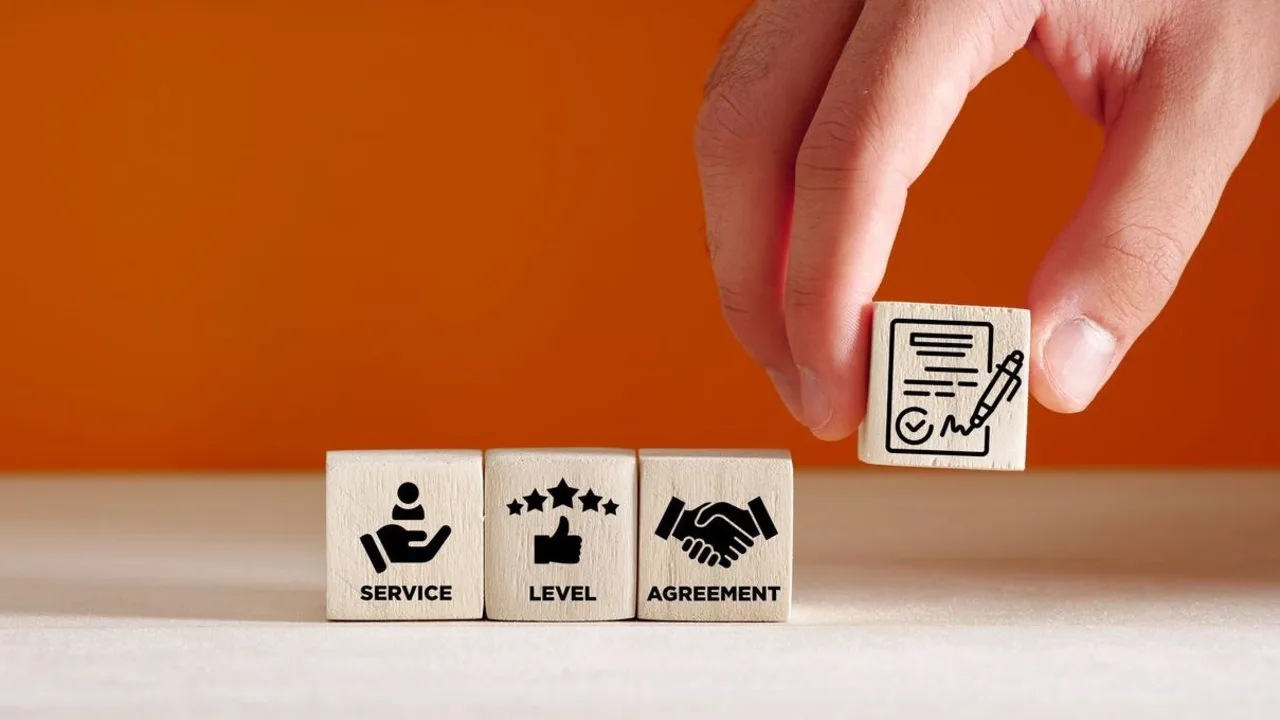
Service Level Agreements, or SLAs, are often misunderstood in B2B environments. Many companies define response times without considering whether those targets are realistic or aligned with the complexity of their support requests. A well-designed SLA should reflect how support actually operates, not just what looks good on paper.
In practice, SLAs usually cover two key metrics: response time and resolution time. Response time defines how quickly a support team acknowledges a request, while resolution time measures how long it takes to fully solve the issue. In complex B2B scenarios, these two metrics can vary significantly depending on the type of problem.
Instead of using a single SLA for all tickets, effective teams segment SLAs based on priority and customer tier. For example:
| Ticket Type | Response Time | Resolution Expectation |
|---|---|---|
| Critical (system down) | Within 1 hour | Immediate escalation, ongoing updates |
| High priority | Within 4 hours | Same-day resolution where possible |
| Standard | Within 24 hours | Handled in normal workflow queue |
This structure makes B2B customer support more predictable for both customers and internal teams, reducing friction and misaligned expectations.
Where Most B2B Support Systems Break
Even companies with strong products often struggle with support because their systems are not designed for scale. The most common failure points are not technical—they are structural.
Typical breakdown patterns include:
- No clear prioritization between urgent and non-urgent issues
- Over-reliance on email as the main support channel
- Lack of ownership, where multiple people touch the same ticket
- Solutions that exist in conversations but are never documented
When these issues combine, support becomes reactive and inefficient. Teams spend time answering the same questions repeatedly instead of building systems that reduce workload over time.
Scaling B2B customer support requires identifying and fixing these structural gaps before adding more resources.
Tools That Enable Scalable Support (Without a Call Center)
Technology plays an important role in scaling support, but tools alone are not enough. The value comes from how systems are connected and used within a workflow.
Most scalable support setups include a combination of the following:
| Tool Type | Function | Impact on Scaling |
|---|---|---|
| Helpdesk system | Centralizes tickets and communication | Prevents lost or duplicated requests |
| Knowledge base | Stores documented solutions | Reduces repeat inquiries |
| Automation tools | Routes and tags tickets automatically | Improves ticket triage efficiency |
| CRM integration | Provides customer context | Speeds up response quality |
The key is not using more tools, but ensuring they support integration planning so data flows smoothly between systems.
Integration Between Support, Sales, and Operations
Support does not operate in isolation. Many issues raised by customers are directly related to sales agreements, operational processes, or technical configurations. Without shared data, support teams spend time gathering context instead of solving problems.
When systems are integrated, support agents can access:
- Customer contract details from CRM systems
- Order and delivery status from operations platforms
- Technical specifications from engineering teams
This level of visibility allows B2B customer support teams to respond more accurately and reduce back-and-forth communication. It also prevents customers from repeating the same information multiple times.
How Self-Serve + Triage + SLAs Work Together
Individually, self-serve tools, ticket triage, and SLAs each improve part of the support process. When combined, they create a system that scales efficiently.
Self-serve reduces incoming ticket volume by solving common issues before they reach the support team. Ticket triage ensures that the remaining requests are handled in the correct order. SLAs define expectations and keep response times consistent.
The interaction between these elements creates a feedback loop:
- Repeated tickets → documented in self-serve resources
- New tickets → categorized through triage
- Response patterns → refined through SLA tracking
Over time, this system reduces noise and allows teams to focus on higher-value work.
When You Still Need Human Support (and How to Limit It)
Even the best systems cannot eliminate the need for human support entirely. Some issues are too complex, too specific, or too critical to be handled through automated workflows or documentation.
Human support is typically required for:
- Complex technical problems that require investigation
- High-value customers with custom requirements
- Escalations where business impact is significant
The goal is not to remove human interaction, but to reserve it for situations where it adds the most value. By reducing unnecessary tickets, teams can spend more time on meaningful problem-solving.
Measuring What Matters in B2B Customer Support
To improve support performance, companies need to track the right metrics. Measuring only ticket volume does not provide enough insight into system efficiency.
Key metrics include:
- First response time
- Average resolution time
- Ticket backlog trends
- Self-serve success rate
- Customer satisfaction after resolution
These metrics help teams understand where delays occur and how processes can be improved. Over time, consistent tracking allows B2B customer support to evolve from reactive problem-solving into a structured operational function.
The Shift From Support Cost Center to Growth Lever
Traditionally, support has been treated as a cost center—something necessary but not directly linked to revenue. This view is changing as companies realize that support interactions contain valuable insights about customers, products, and operations.
Support teams are often the first to identify recurring issues, product gaps, or process inefficiencies. When this information is shared with other departments, it can lead to improvements that reduce churn and increase customer retention.
In some cases, support also creates opportunities for upselling or expanding services. When teams understand customer needs deeply, they can identify areas where additional solutions may provide value.
This shift changes how companies approach B2B customer support. Instead of focusing only on cost reduction, they begin to see support as part of a broader growth strategy.